01
Local + Cloud, one station
Broadcast live from your PC, then hand the same /stream listener link to the Cloud queue when you need to step away.
 THUGSTREAMRADIO BEYOND BOUNDARIESDownload v20.0
Run your live show, take requests, speak on mic, manage your room, and switch to Cloud playback—all from one control room.
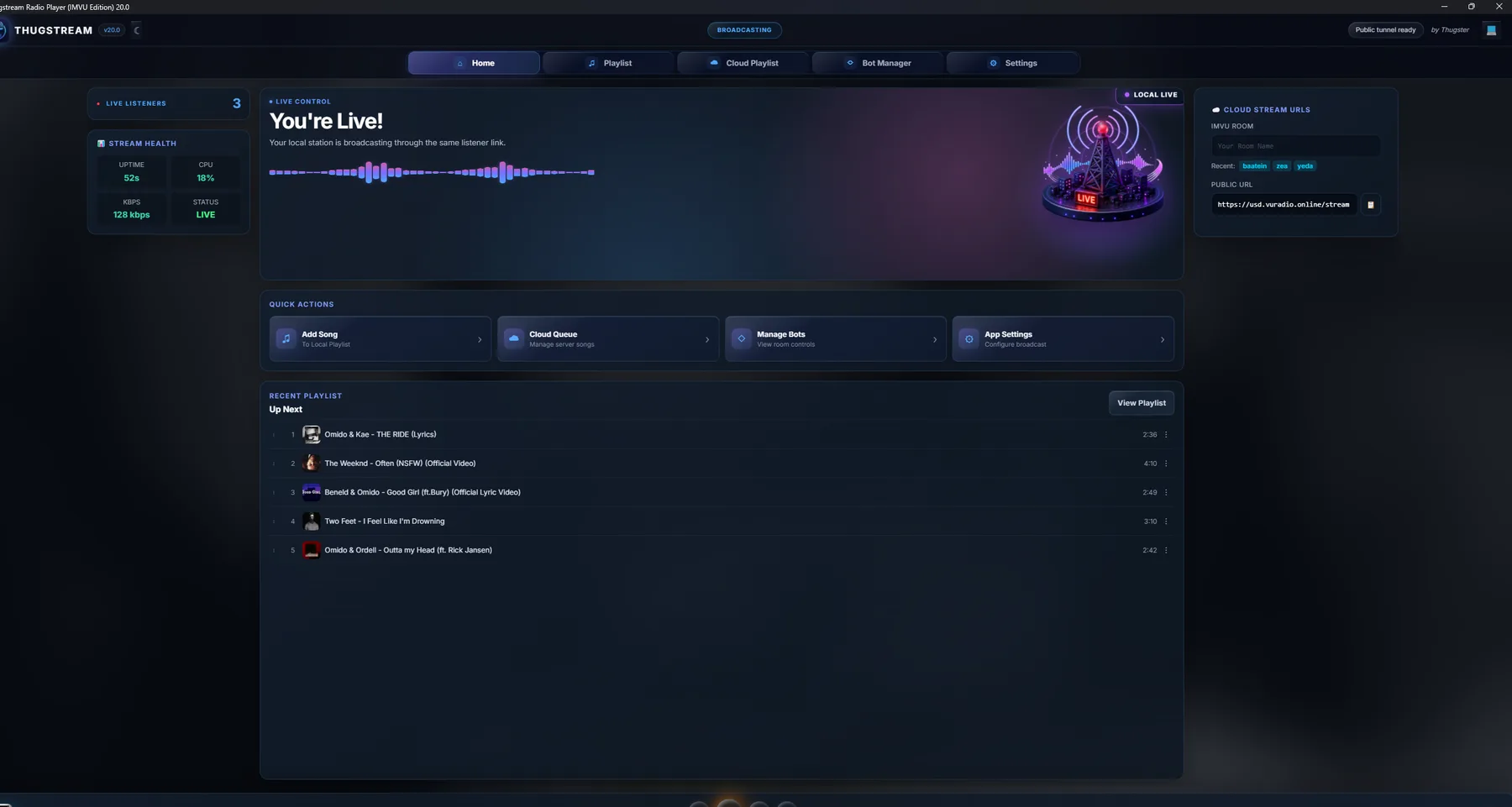
Thugstream joins music, listeners, room automation, microphone, and server playback into one focused workspace.
Broadcast live from your PC, then hand the same /stream listener link to the Cloud queue when you need to step away.
Search YouTube, import links, organise folders, reorder tracks, shuffle, loop, download, and move songs between Local and Cloud queues.
Share the mobile-friendly Request Portal. Listeners can search, request, and see what is coming up without installing the DJ app.
Invite the bot to your IMVU room, manage users, announce messages, answer with !ask, and run voice Talk Mode while you are live locally.
Select your mic, tune gain, and toggle it with F8—even while IMVU is focused—without digging through the app.
Auto Play, saved sessions, live health, listener count, and a Cloud fallback help you run longer sets with less babysitting.
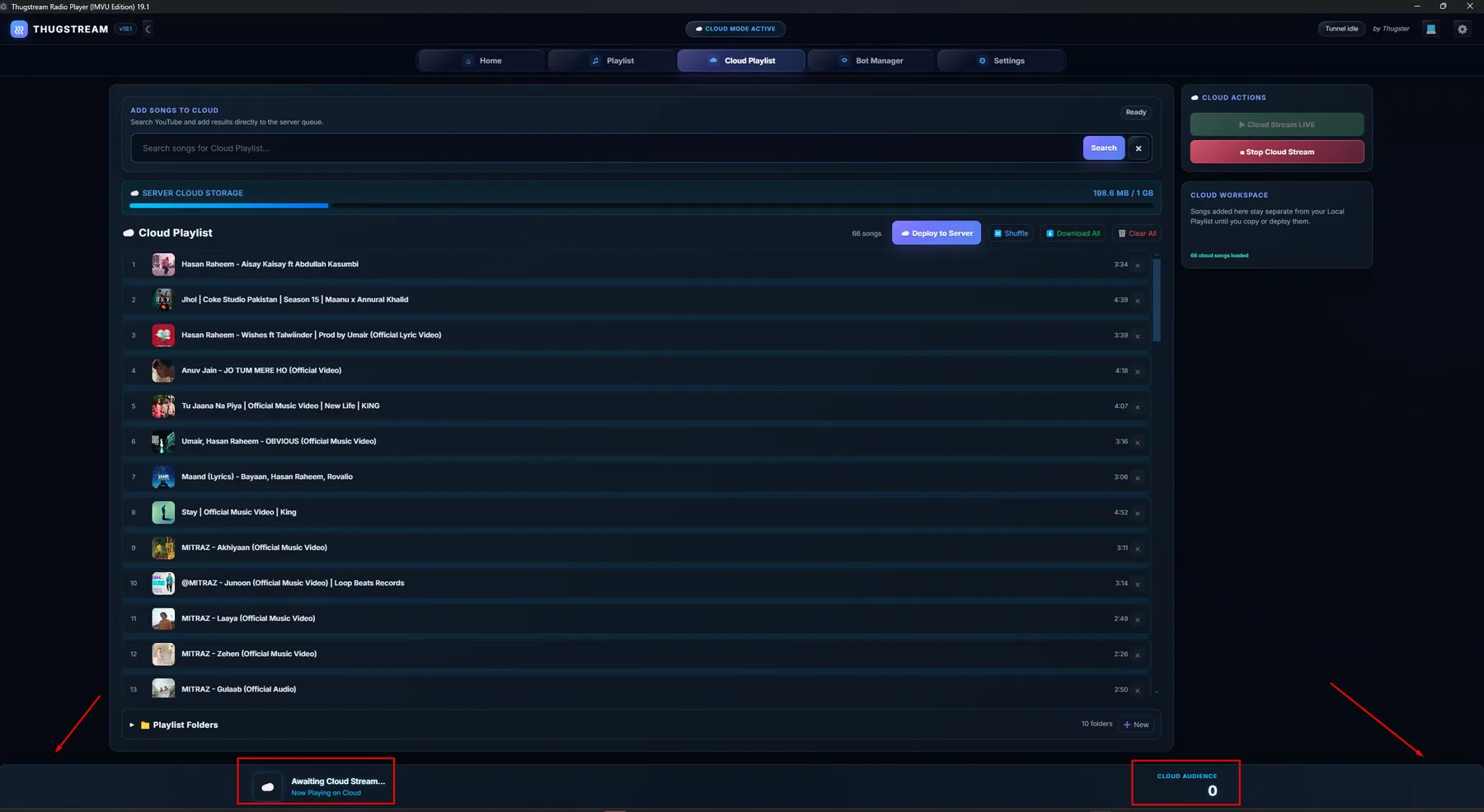
Prepare a separate server playlist, see what is already uploaded, download only new tracks, and take Cloud playback live when you choose.
Search, import, sort, and save the music you want to play.
Start your station, invite the bot, open requests, and use your mic.
Step away and move playback to the server without sharing a new link.
Let room guests request music and interact with Yerna while you keep control through Bot Manager.
USD
!ask what is playing next?
Guest_Thugstream
I’ll check the station queue for you.
!playPlay a song from the room!askAsk Yerna a question!talkStart AI voice Talk Mode!Continue the Talk Mode conversation!talk exitResume the paused song!playlistShare the Request PortalYes. Local mode broadcasts directly from the DJ computer and includes playlists, microphone control, the request portal, and room tools.
Your station keeps the same public /stream address. Cloud mode takes over playback from the server queue so listeners do not need a second link.
Yes. The Request Portal is designed for phone and desktop browsers. The DJ controls whether requests are enabled and whether listeners receive full controls.
Talk Mode works during Local streaming, needs the room bot and a Gemini API key, and speaks replies through the radio using an offline Piper voice.
Download Thugstream 20.0 for Windows and start building your show.
⊞Download for WindowsVersion 20.0 · Windows 10/11 · 64-bit